What is it?
Sound Sequence is a technique where a familiar moment gets twisted by chaining specific sounds one after another, like stepping stones that lead somewhere darker than expected. Instead of one big musical cue, you get a deliberate order: a tiny click, then a breath, then a low hit, then silence… and each piece “corrupts” what the scene used to feel like.
Over time, the sequence evolves like a tightening noose. The gaps between sounds shrink, the pitch leans lower, the texture gets rougher, and what started as clean and readable becomes smeared with distortion, drones, or an unnatural reverb tail that won’t die. The listener stops hearing “sounds” and starts hearing intent-a countdown they can’t interrupt. It feels like fate walking toward them.
Movie example
In One Piece, the “Luffy Punches a Celestial Dragon” moment lands like a guided missile because the audio doesn’t just happen - it lines up in a simple order.
Then the sequence starts assembling itself, piece by piece. You get small, clean details-movement, a shift of weight, a tiny pause where the crowd seems to hold its breath. Voices thin out. The ambience feels like it’s being turned down by an unseen hand. Each sound arrives like a step in a procession: hero’s warcry, sound of punch landing, explosion and then relief.
What to use it for?
As a Game Master, you drop the party into a safe, normal space-warm lights, soft chatter, the comfort of routine. Maybe they’re in a busy tavern signing a contract, or a bright temple office getting their travel papers stamped. The vibe is calm. Ordinary. Then the Sound Sequence starts:
- a pen scratches…
- a mug sets down…
- a gentle clink of coins falling…
- a floorboard creaks behind them…
…and strangely, sound lands a little too hard, a little too close. The room doesn’t change, but the air does. Players begin scanning NPC faces, tracking exits, re-reading sentences that were fine ten seconds ago. The sequence repeats with one new element each time soft throat-clear that becomes a wheeze, a friendly bell that becomes a warning tone, a laugh that ends half a beat too late. When the final sound hits everyone at the table knows: something irreversible just happened, and it happened in order.
Use this technique for:
- Building tension before an ambush without using obvious combat music
- Signaling a boss’s presence before they appear
- Turning a routine social scene into a pressure cooker of suspicion
Do It with Music Master!
- From the main menu, select “Create Cinematique…”. The Cinematic Techniques Assistant window will appear.
- Choose the “Sound Sequence” technique by clicking the “Select” button.
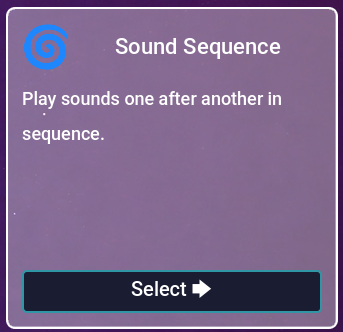
Fig. 1 - Sound Sequence.
- In the next window, fill in the all of the tracks you want. They will be played one after another. It is required to use at least two tracks.
- (Optional) If you don’t have suitable tracks, click the “Use Samples” button and choose one of the available examples. The fields above will be filled automatically with tracks included in the program.
- Click the “Create” button.
- You will be taken to the Composition view. It should look like this:
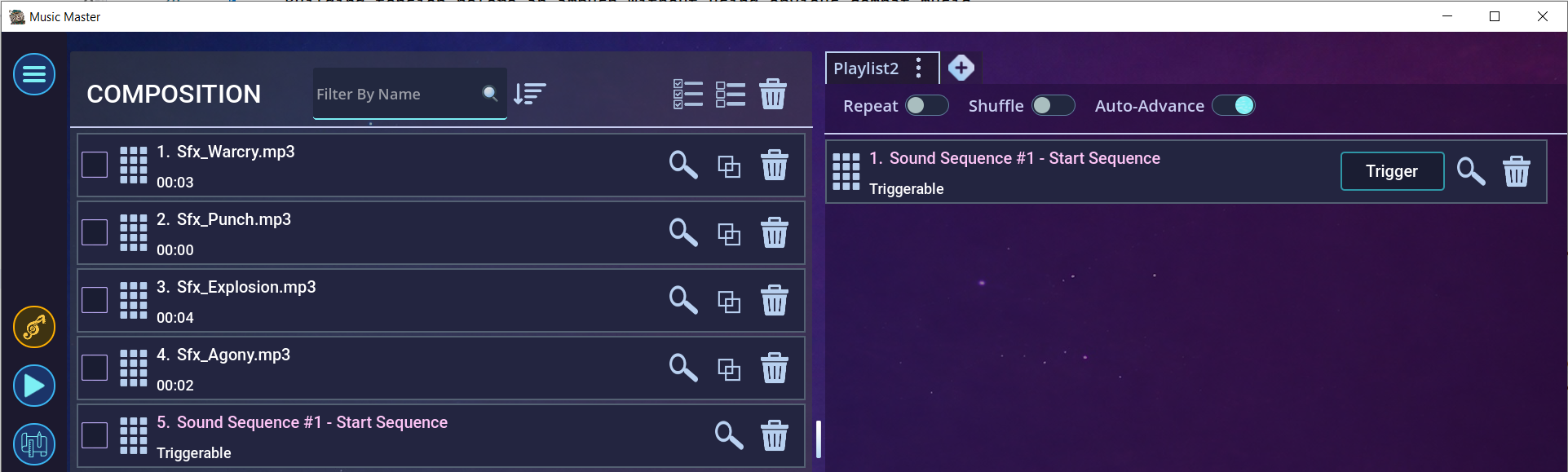
Fig. 2 - Effect in the Composition view.
- Now trigger the event “Sound Sequence #1 - Start Sequence” by pressing the “Trigger” button.
- The sequence will start. After ending one track, the next one is played automatically.
- This is how it looks in the editor:
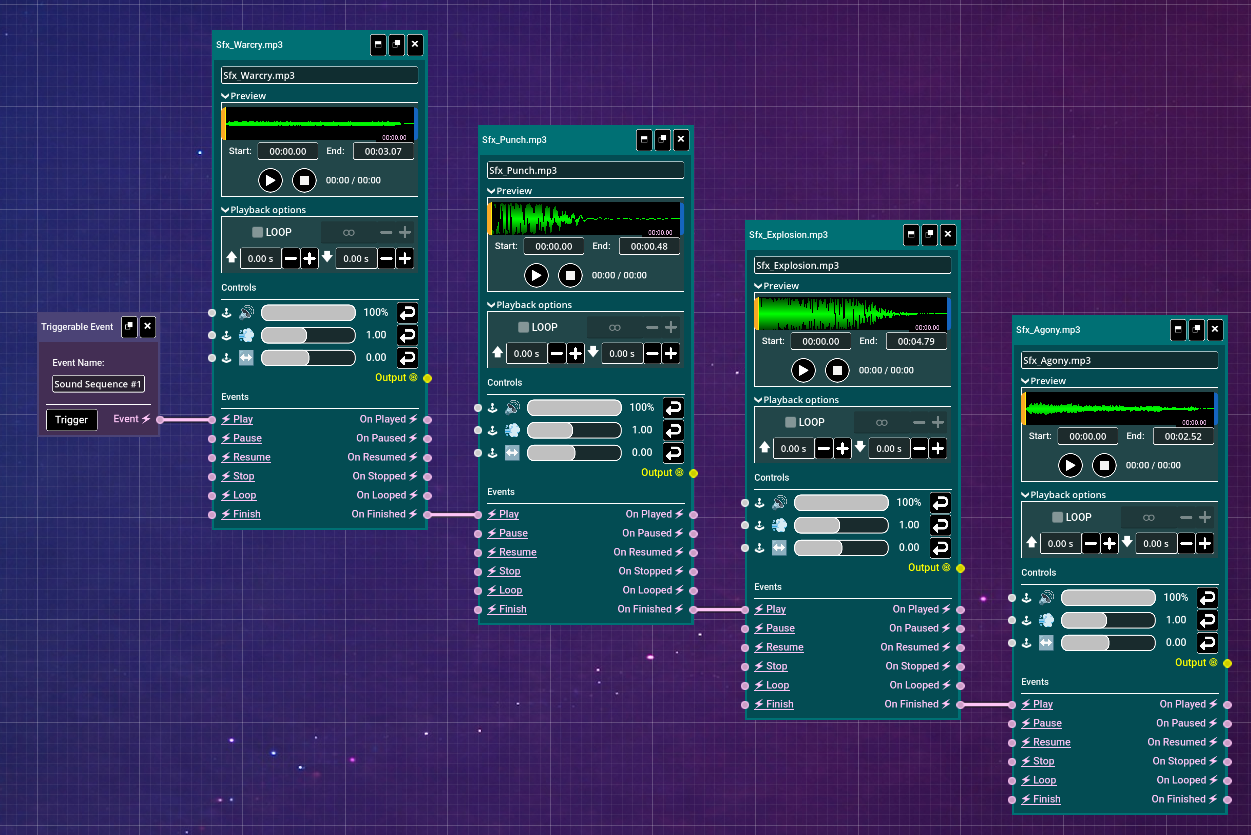
Fig. 3 - Effect in the Editor view.
- Using the editor, you can fine-tune the effect to your liking. Try experimenting!


Ready when you are
Surprise your players with an exciting event by chaining sounds together. Download Music Master and check for yourself!