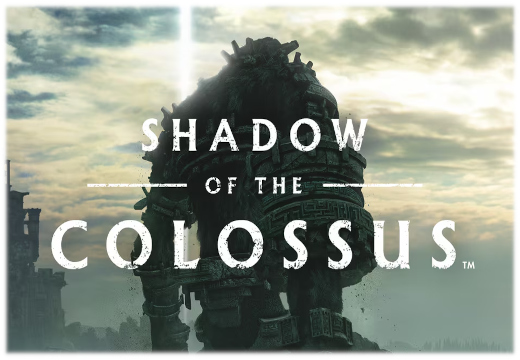
Inspiration: Dragon Riders and Shadow of the Colossus
What music should you use for colossal enemies?

Music Master gives you live control over music, ambience and sound effects - from simple playlists and soundboards to reactive transitions, cinematic effects and soundscapes.
Built specifically for tabletop Game Masters.

 WindowsAndroid· Free audio pack included
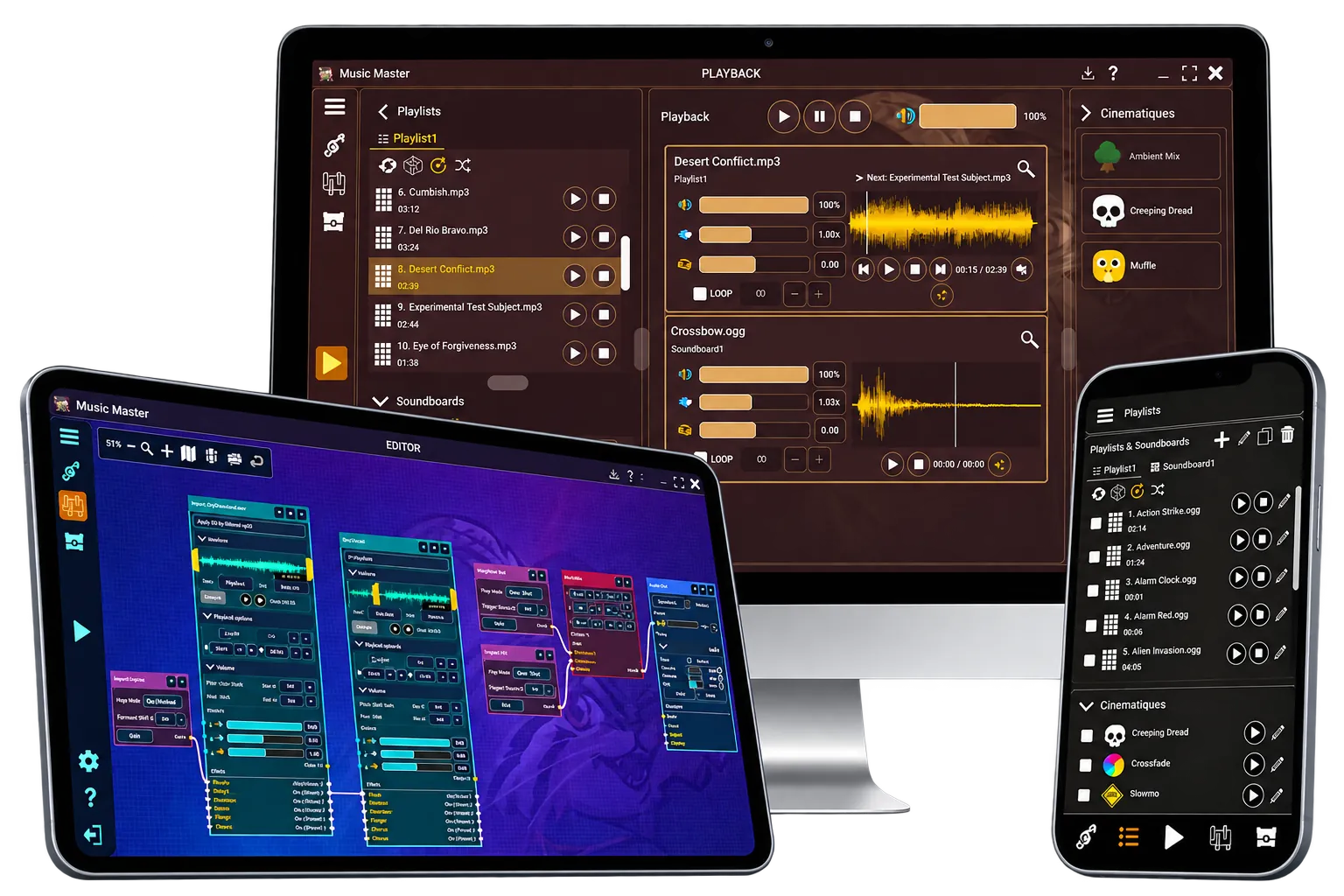
Turn ordinary moments into unforgettable ones.
Bring movie-inspired sound design to your tabletop. Use premade techniques to create tension, shock, suspense and other dramatic moments.



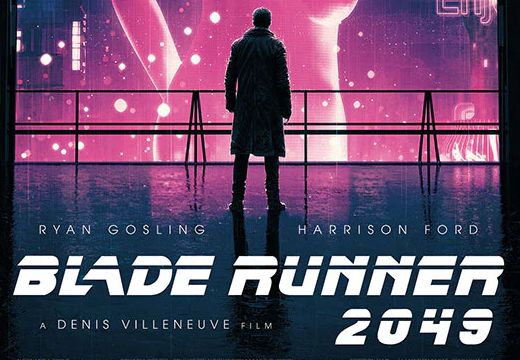




Create film-inspired moments without building effects from scratch.
Launch a Cinematique at the story’s turning point.
Transform recognizable tracks into surprise, dread or impact.
Use your own tracks and adapt each technique.
Make the soundtrack obey your imagination.
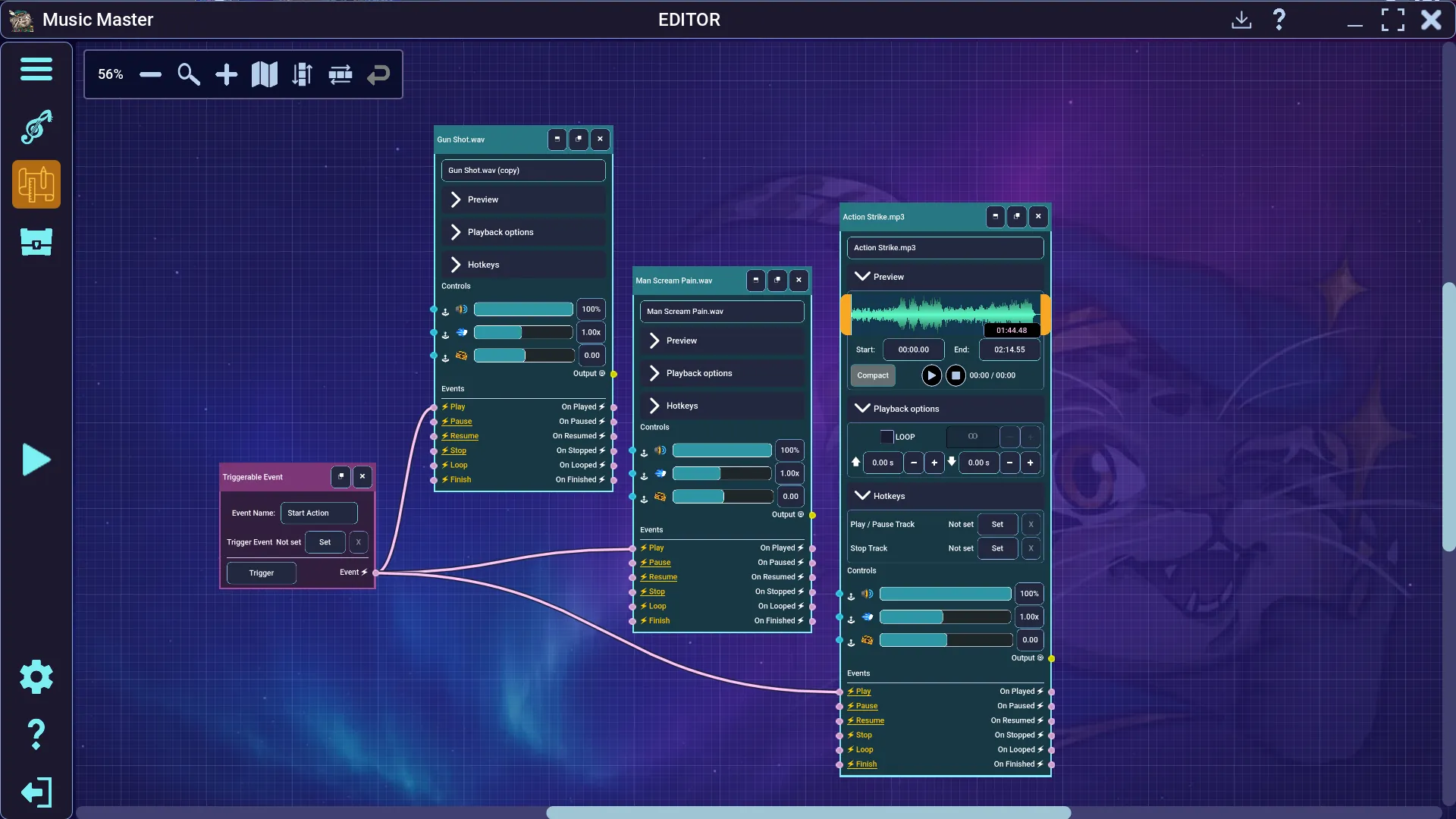
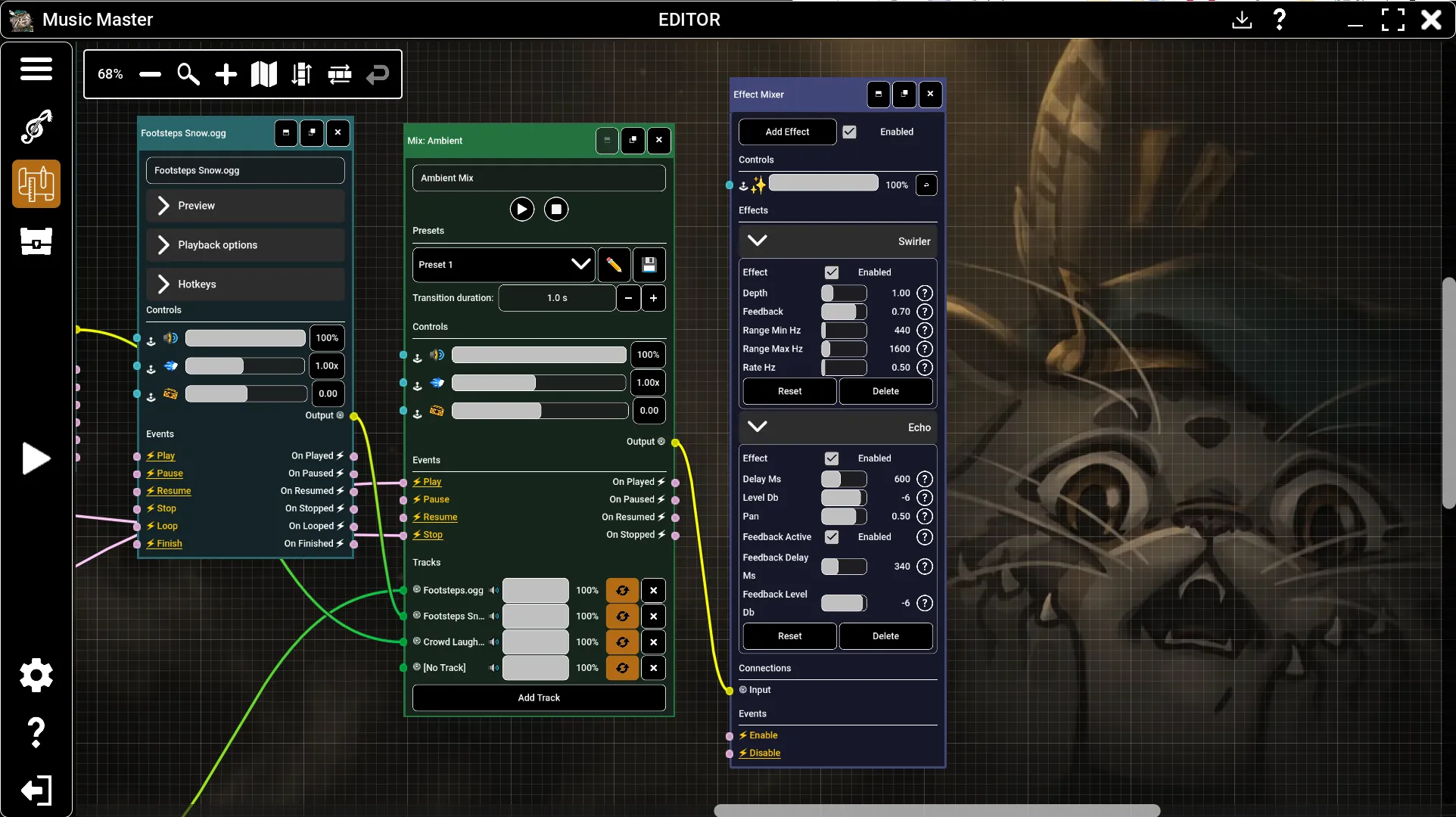
Make your soundtrack respond to the game. Trigger music, effects, transitions and ambience changes from events, timers or other tracks—then let Music Master handle them live.
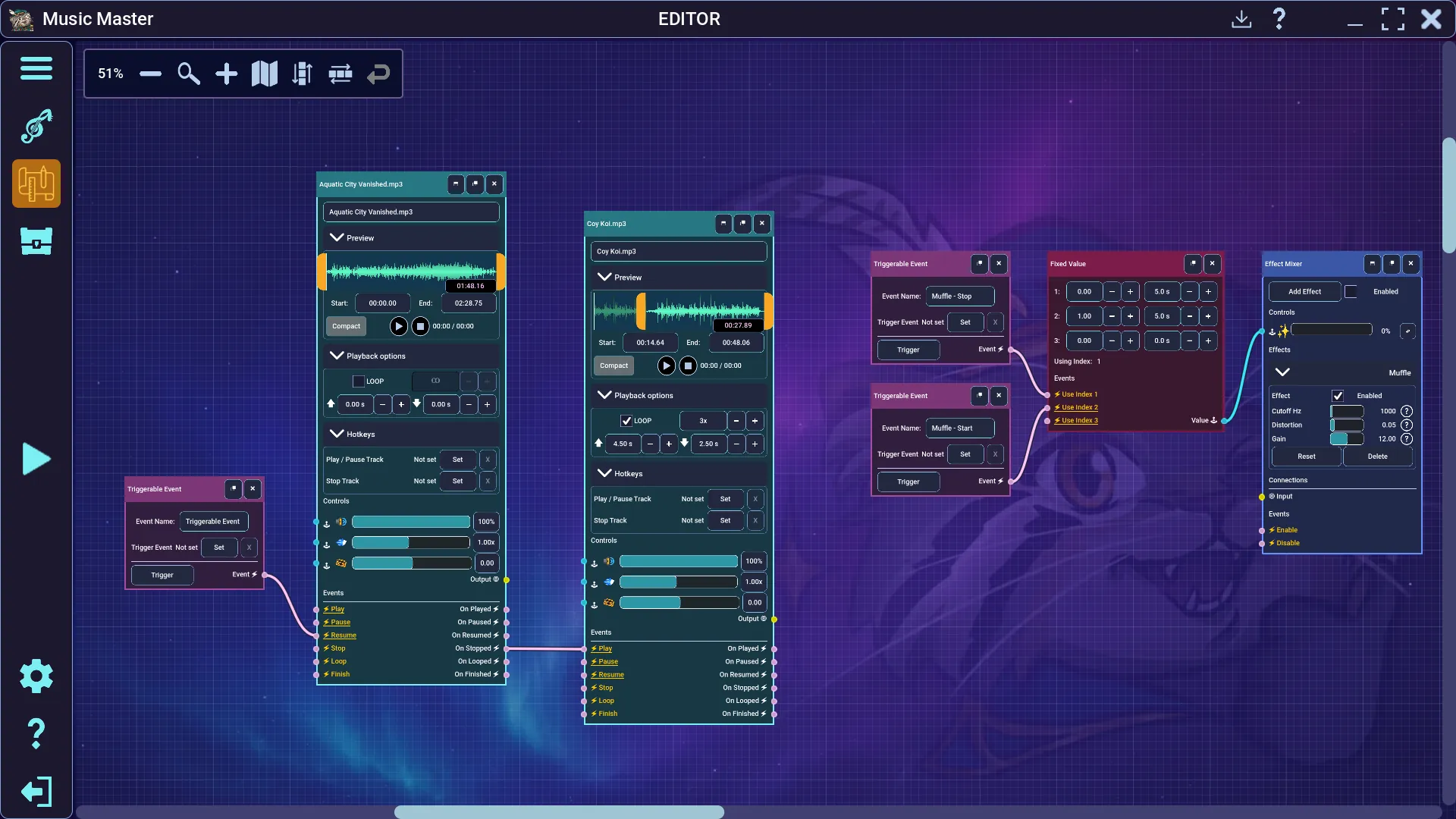
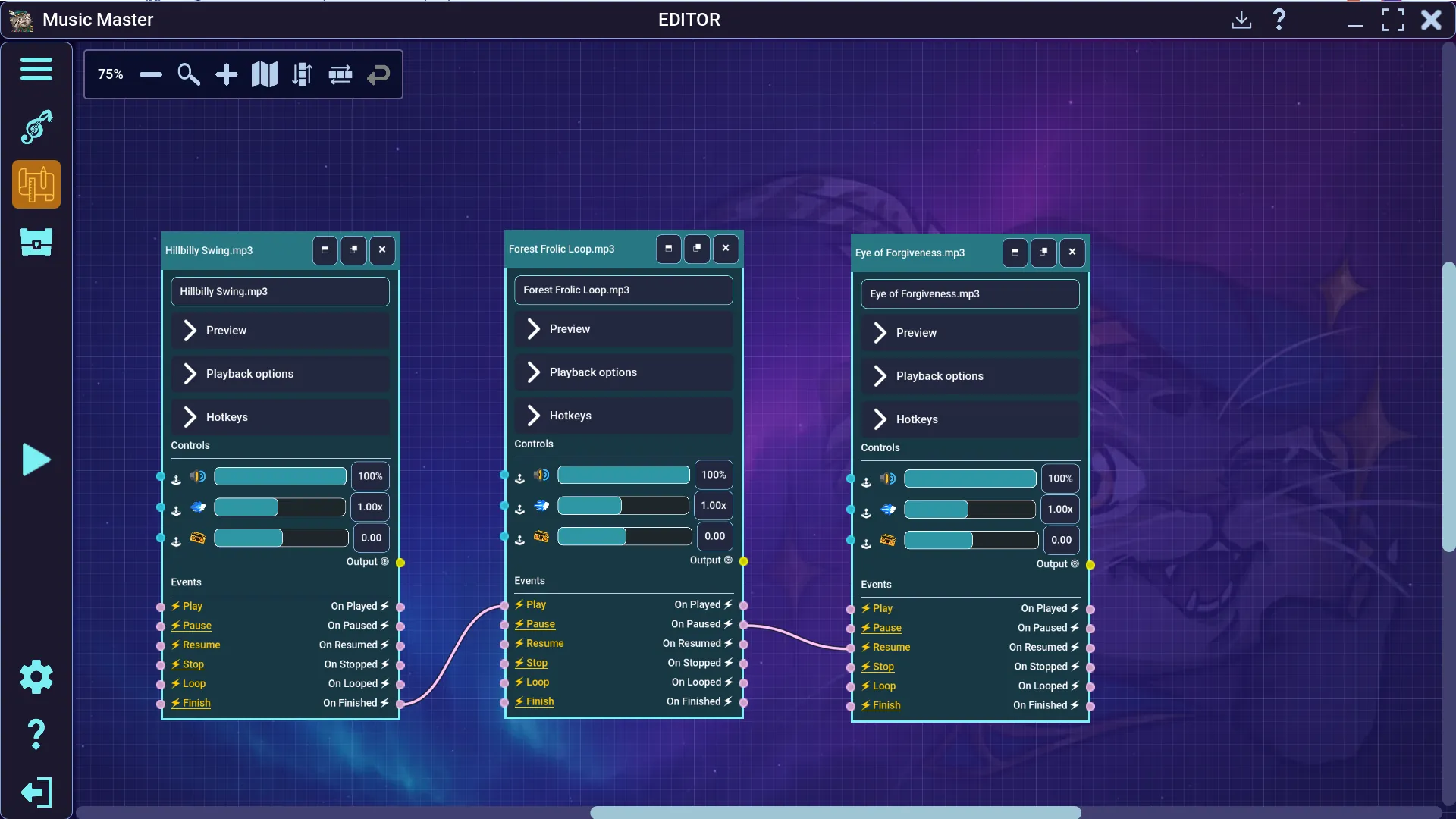
Fade ambience, slow music or reveal unsettling sounds as scenes develop.
Crossfade moods or change several audio layers at once.
Launch music, effects and fades together from a single event.
Connect tracks, events, controllers and effects around your ideas.
Build worlds your players can hear.
Combine music, ambience and effects into places that feel alive. Play multiple sounds together and shape each one as the scene evolves.
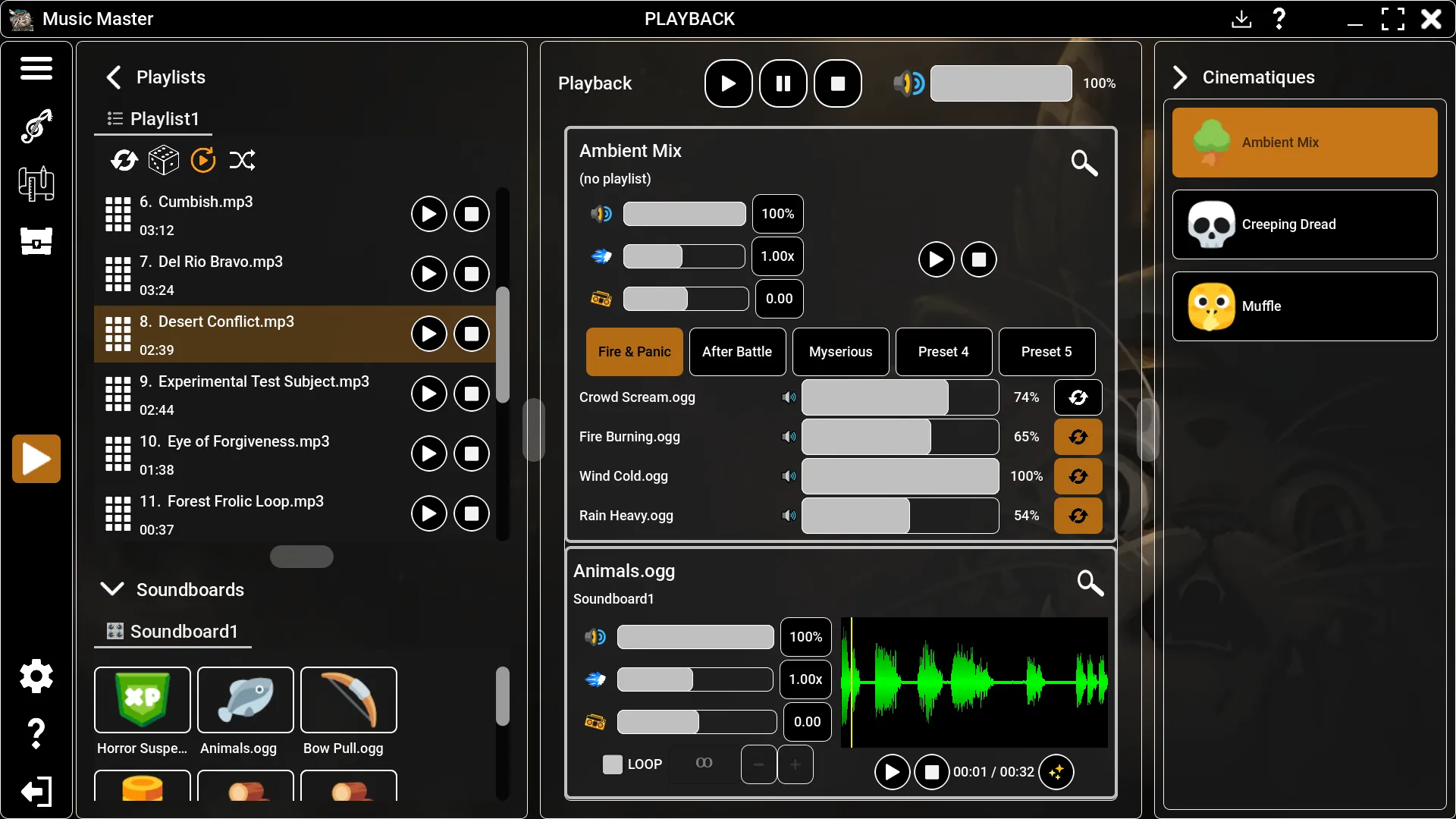
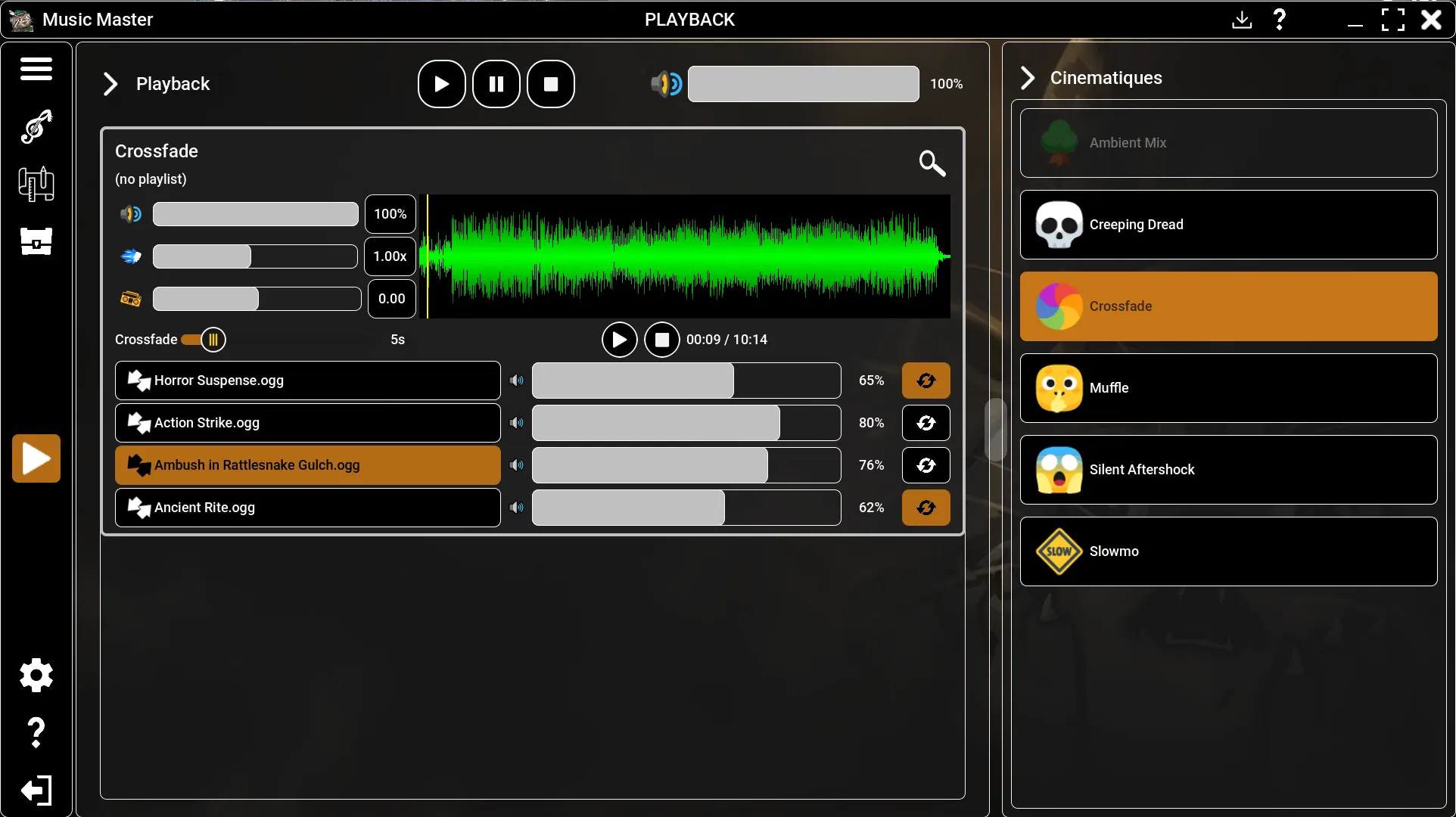
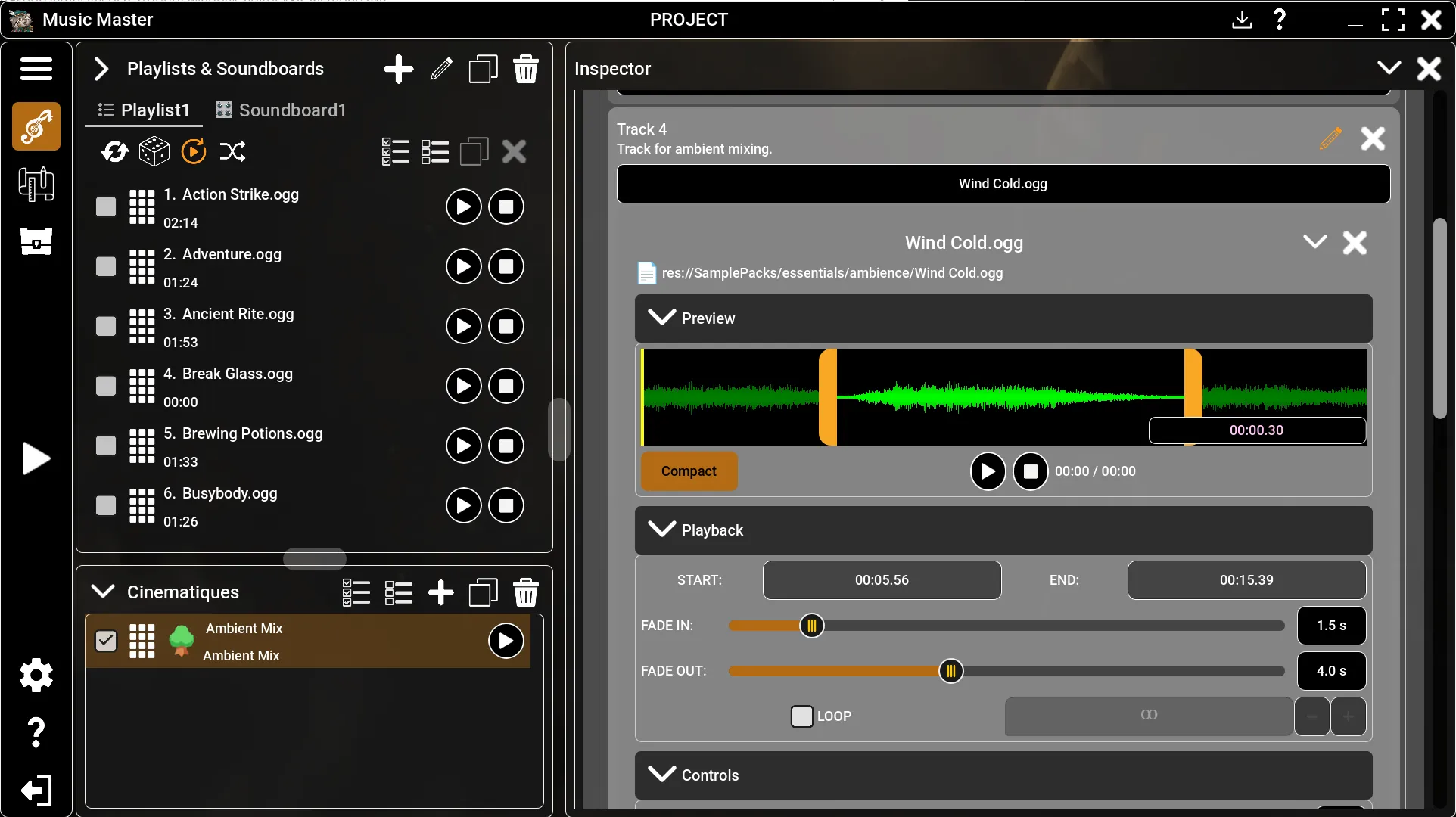
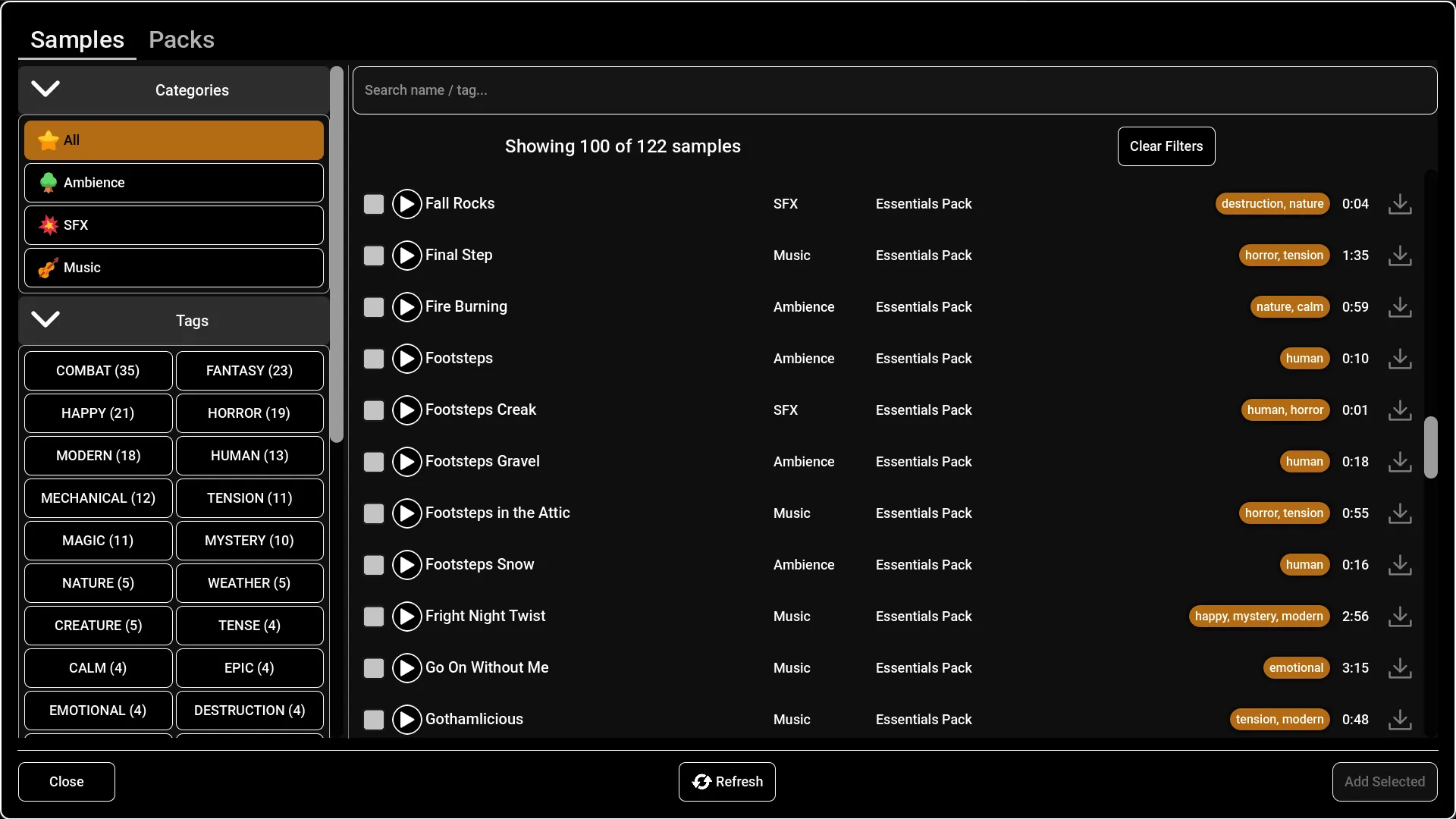
Layer weather, crowds, fire, wildlife or machinery beneath your music.
Fade individual layers as players move or alter the environment.
Control each track separately for richer, believable soundscapes.
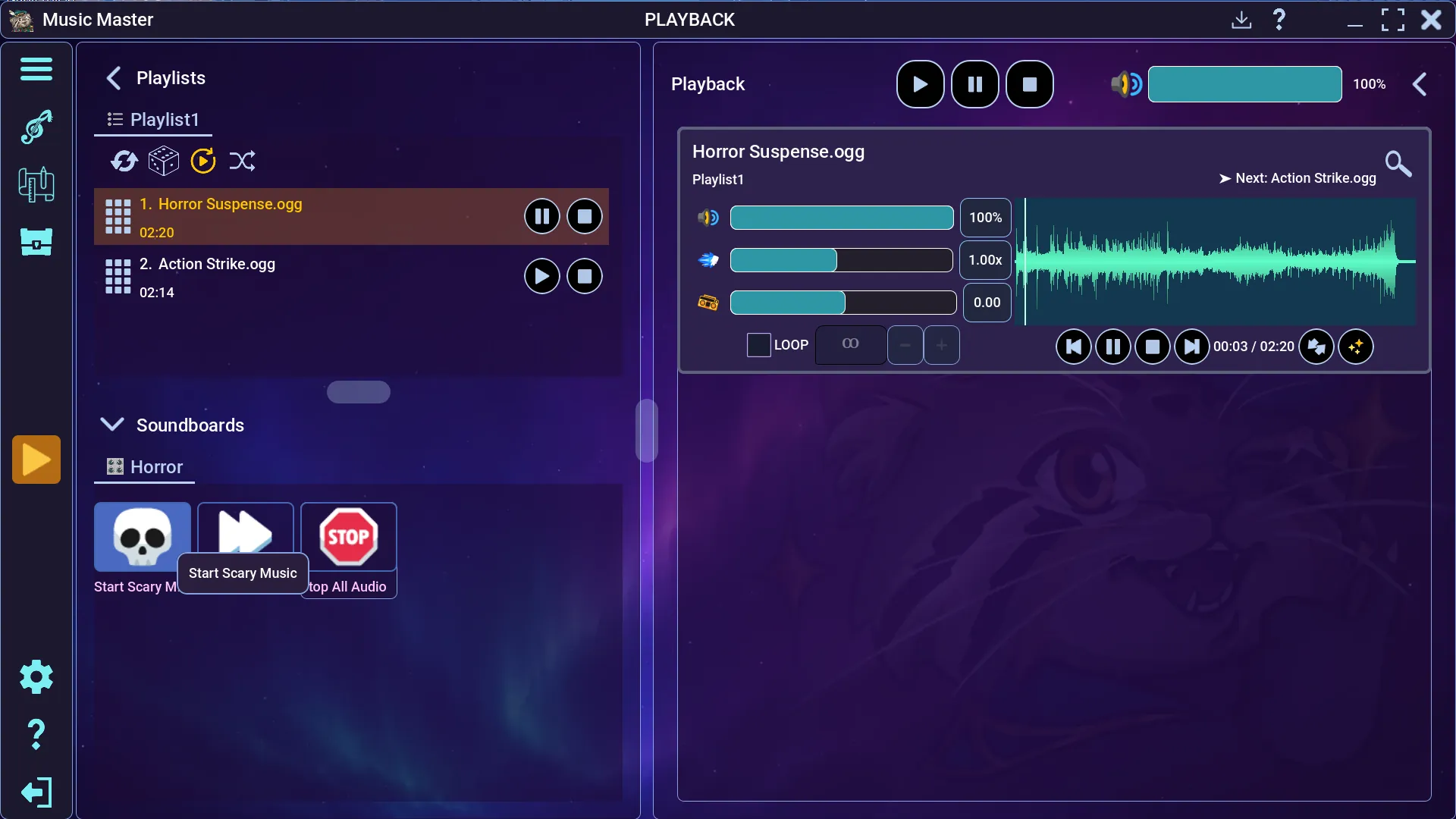
Organize sounds into playlists, soundboards and reusable mixes.
Run the game your way, wherever your table is.
Run every sound locally without an internet connection. For remote games, stream the final mix to your players through their browsers or Discord (Windows only).
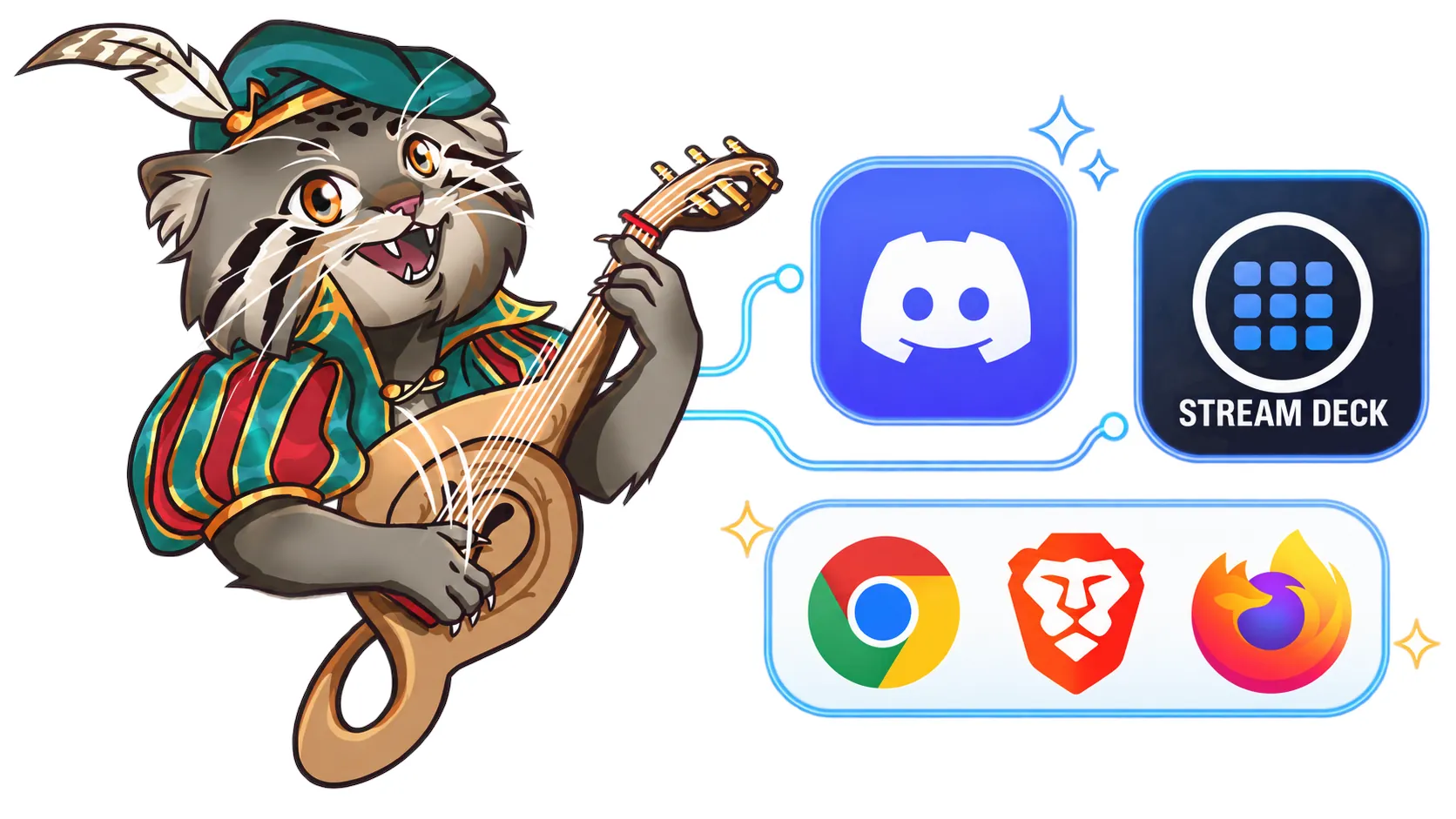
Music, effects and automation all work locally.
Share a link and PIN—no installation or listener accounts needed.
Keep your soundtrack inside the platform your group already uses (Windows only).
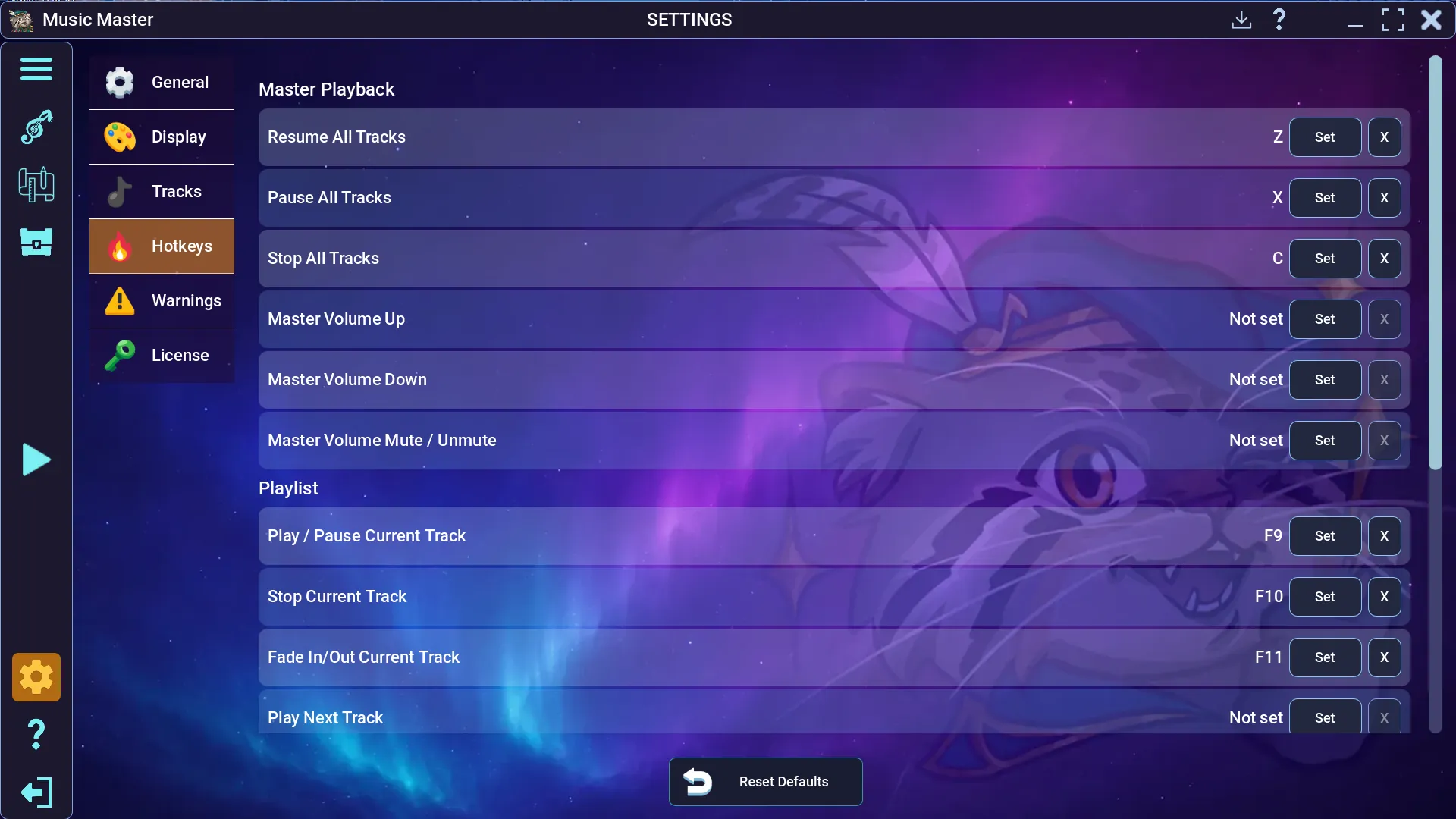
Use fast physical controls during play (Windows only).
 WindowsAndroid
Android is a trademark of Google LLC.
One purchase. No subscriptions.

One Music Master license can be activated on up to three of your devices.

Pay once. There are no monthly or yearly fees.

Once you buy Music Master, you can keep using it for as long as you want.
The Free version is always available. You can upgrade to Full version from within the app.
| Feature | Free | Full |
|---|---|---|
| Price | Free | $24.99 |
| Project size | 10 tracks | ✓ Unlimited |
| Track Length | 4:30 | ✓ Unlimited |
| Playlist / soundboard | 5 tracks | ✓ Unlimited |
| Simultaneous audio | 4 streams | ✓ 12 streams |
| Effects | Limited selection | ✓ All effects |
| Cinematiques | Limited selection | ✓ All Cinematiques |
| Editor and events | Not included | ✓ Full automation |
| Recording | Up to 31 seconds | ✓ Unlimited |
| Sample Pack Shop | Free packs | ✓ Full shop access |
| Integrations | Not included | ✓ Broadcast, Discord, Stream Deck (Windows only) |
No. The Full version is a one-time purchase with no monthly or yearly subscription fees.
You receive an email containing your license key. Enter the key and your purchase email in Music Master to activate the Full version.
Music Master supports Windows and Android. Windows is offered as an installer or standalone download; Android is available through Google Play. Integrations: Browser Broadcast, Discord and Stream Deck (Windows only).
One Music Master license can be activated on up to three of your devices.
Yes. The Free version is always available and can be upgraded to the Full version from within the app.
Yes. Music Master lets you import, use and record your own audio. You are responsible for having the rights and permissions required to use that material.
Refund eligibility follows applicable consumer law and the policy of the payment provider or Merchant of Record used at checkout. Read the Refund Policy.
Need help before or after purchase? Email [email protected].
Use cinematic sound techniques in your game.
Follow development, share your ideas, ask questions, and connect with other Game Masters.

